


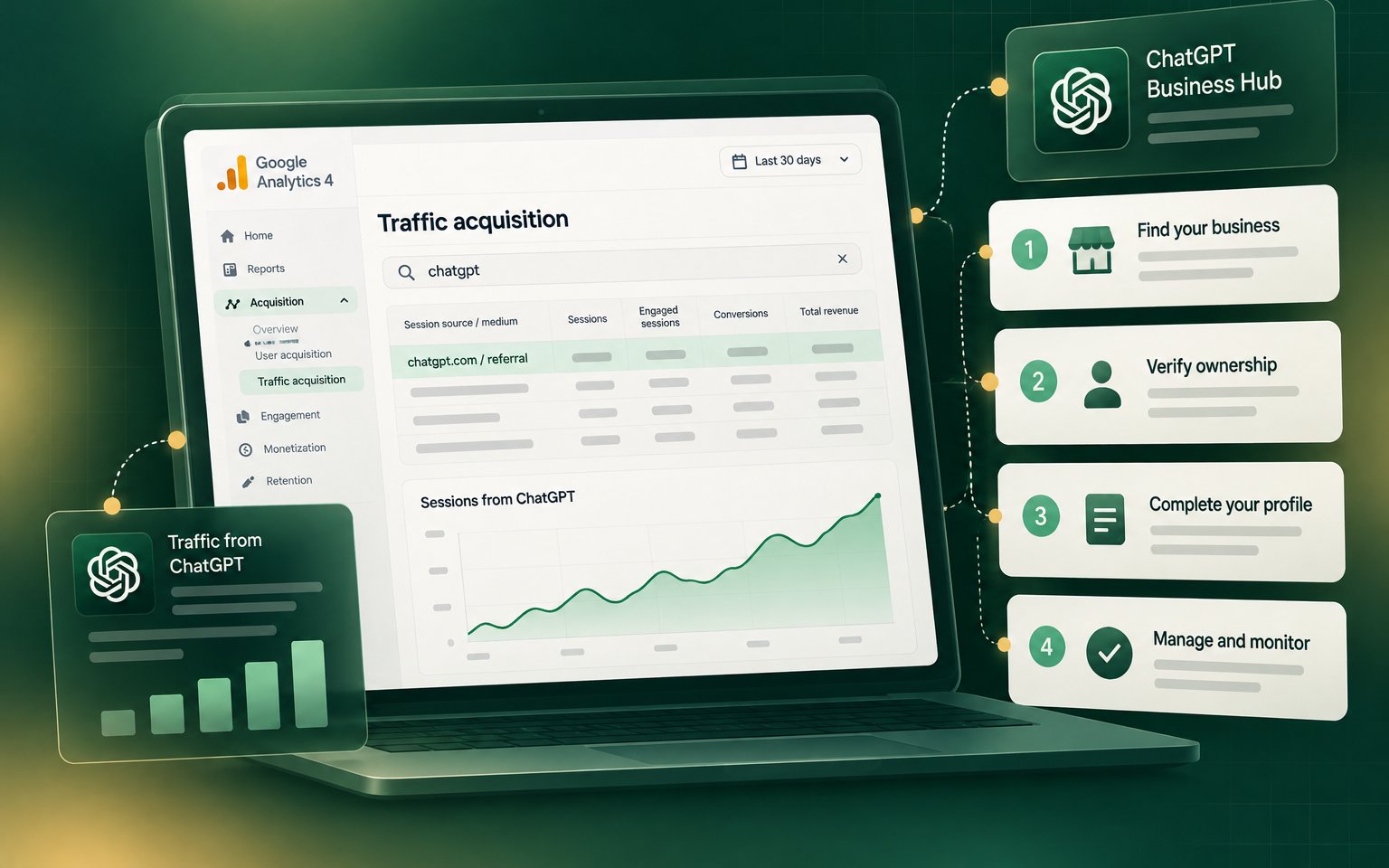
The ChatGPT Business Hub is OpenAI's beta tool for claiming your business inside ChatGPT, editing how it appears, and viewing 28 days of mentions, website clicks and discovery topics. It launched November 10, 2026. You must own the business or be authorized to represent it, and verification includes a Persona identity check.
Claiming takes an afternoon, and most coverage stops there. The harder question is what the reporting leaves out. It shows topics rather than prompts, covers ChatGPT alone, and a blank number does not mean zero. For regulated and high-trust businesses, the registration papers and the profile description's compliance both really matter.
Key Takeaways
- Claiming needs ownership or authorization, domain or contact verification, and a Persona identity check.
- Insights show mentions, clicks and discovery topics for ChatGPT only, over 28 days.
- Discovery topics are aggregate categories, not the exact prompts people typed.
- Treat the profile description as public marketing copy that follows your website's compliance rules.
What Businesses in ChatGPT Is and Who Can Claim
OpenAI introduced Businesses in ChatGPT in beta on November 10, 2026.[3] The feature gives a business a profile inside ChatGPT that it can claim, edit and monitor. Everything in this guide reflects the beta as of November 24, 2026, so expect details to change. It is a beta, so some accounts don't see it yet.
Eligibility depends on what kind of business you run. Online and ecommerce businesses can add a listing that's missing. Local businesses can only claim an existing U.S. listing. In both cases you must own the business or be authorized to represent it.[1] These limits come straight from OpenAI's help page, and this article sticks to what it says on countries and account types.
The practical decision is which path applies to you. An online or ecommerce business whose listing doesn't exist yet adds one. A local business has no such option: if no U.S. listing exists for you, there is nothing to claim yet, and the right move is to check back rather than look for a workaround. Before you start, confirm who inside your company is authorized to represent the business, because the verification steps later ask you to prove exactly that. A founder or officer is the cleanest case. An agency or contractor should get written authority first, since a claim made without it can create ownership problems down the road.
One point worth stating early: OpenAI makes no claim that a claimed profile makes ChatGPT mention or cite you more often. Treat the profile as a place to control accurate details and read reporting, not as a ranking lever. That framing matters because a beta feature tends to attract inflated promises. Setting it up now is a low-cost way to learn what the reporting shows, which is a better reason to act than a hoped-for visibility boost. For the wider picture on how AI answers get built, see our guide on AI visibility.
How to Claim Your Business, Step by Step

Keep ChatGPT open in another tab and work through these in order.[1]
- Open chatgpt.com/business-hub, or find Business Hub in the ChatGPT sidebar.
- Search for your business.
- Confirm the account you're claiming under.
- Verify by business phone, business email, a DNS TXT record on your domain, or Shopify.
- Wait for OpenAI's review.
I claimed Verand's own listing on November 23 and chose the DNS route. I added a new TXT record in Cloudflare instead of editing existing records, because changing SPF or MX entries to pass a check can break your email.
After the domain step and the business details, a confirmation screen said the profile was saved as a draft while verification continued. It also offered $500 in advertising credit for ChatGPT Ads and an upgrade to a ChatGPT Business plan. Neither is required: OpenAI's help page says you can claim an eligible business without advertising or opening an Ads account.[1]
The Persona identity check
After the domain or contact check, a Persona identity step asks for a government ID, business registration details and proof that you're authorized to act for the company. Your legal name and address must match the registration exactly. Ours matched, and approval came through the same evening. If your trade name, website footer and registration don't line up, fix that before you start, not after Persona flags it. The blue check appears only after Persona approval.
Search Engine Journal's walkthrough notes a registration-number field with a 12-1234567 placeholder that looks like a U.S. employer identification number.[2] Treat that as a format hint only, and fill in your actual registration details, not the placeholder.
Editing Your Profile and the Compliance Question

Once approved, you can edit your website, description, category, logo, cover photo and policies. OpenAI reviews and publishes changes, and support can't unpublish a profile once it's live.[1] You can also add admins and team members to manage it.
Because a published profile can't be pulled back by support, treat the first publish as final and prepare everything before you submit. Have the logo and cover photo ready, decide on one category, and get the description approved internally. Add admins deliberately too. Everyone you add can change public-facing copy, so limit access to the people who would also be allowed to edit your website.
For regulated and high-trust businesses, the description is where trouble starts. It's public marketing copy, so it follows the same rules as your website. When I set up Verand's profile, the first tagline the business agent suggested described us as "compliant." We don't use that word anywhere, because nothing we publish has been reviewed by a licensed attorney. I rewrote it before publishing. A practical test: anything you'd remove from a web page comes out of the profile too.
Keep the description to claims you can verify. State what you do, who you serve and your registered details. Skip guarantees, rankings and outcome promises. The trade-off is that a plain, verifiable description reads less exciting than a typical tagline, but it is the one you can defend if a regulator or a client ever asks where a claim came from. If you want the rule set behind that discipline, our Compliance Gate page explains how drafts are checked before anyone approves them.
What Insights Shows and What It Leaves Out
Insights report three things: mentions, website clicks and discovery topics. OpenAI's help page describes them as aggregate activity over the past 28 days,[1] and our Insights screen also offers a 7-day view. The first full 28 days gives the most complete view. In practice, that means the numbers you see in the first week after claiming are the least complete you will ever get, so avoid drawing conclusions from them.
The limits matter more than the metrics:
- Topics, not prompts. Discovery topics are aggregate categories, not individual prompts or a direct report of customer intent.[1] You can't see what anyone typed.
- Brand-name mentions are invisible. For an online business, a mention only counts when ChatGPT cites your website. Being named in an answer without a citation doesn't show up (see how citations differ from brand mentions).
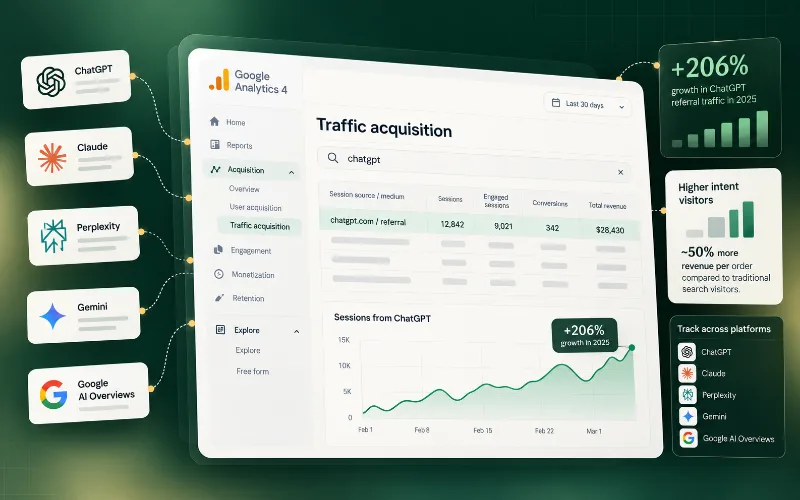
- Clicks aren't visits. A click is not a confirmed session, so compare it with your own analytics. Our guide to tracking ChatGPT traffic in GA4 shows how.
- Blank isn't zero. A blank metric can mean activity hasn't reached the reporting threshold, data is still being collected, or reporting is unavailable.[1]
- ChatGPT only. Gemini, Google AI Overviews, Google AI Mode, Perplexity and Claude aren't covered.
Read a blank as "unknown," then check again after more data accumulates. A simple routine helps: note the date you claimed, look at Insights once the first full 28 days have passed, and record the mentions, clicks and topics in your own file. Because Business Hub only covers a 28 day window, anything you don't save is gone once it rolls off. Then put the clicks next to your analytics sessions from the same dates. If the two disagree, trust your analytics for visits and treat Insights as a directional signal about where ChatGPT is sending people.
Filling the Gaps and the Optional Business Agent
The table below separates what Business Hub shows from what it can't.
| Question | Business Hub |
|---|---|
| Mentions where your site is cited in ChatGPT | Yes |
| Website clicks from ChatGPT | Yes |
| Exact prompts people asked | No |
| Other assistants | No |
| Who ChatGPT names instead of you | No |
| History past 28 days | No |
| Whether the answer about you is accurate | No |
| Which pages get cited | No |
To cover the "No" rows, track the prompts where ChatGPT names or cites your business yourself. Verand's AI Visibility asks a fixed prompt set on a schedule across six assistants, then records whether you were named, how early, and which page was cited. A manual spreadsheet run depends on one person reading each answer; Verand stores every answer and counts from those. Treat discovery topics as a list of pages to write, and turn the topics AI answers mention you for into content.
The optional business agent
The business agent is an optional chat that answers customer questions for you. If you also have a plugin in ChatGPT, the agent's separate chat doesn't use that plugin's data or connect to its capabilities.[1] Wait until you've seen a full 28 days of Insights before turning it on, so you know what customers are asking about first.
Frequently Asked Questions About ChatGPT Business Hub
Is the ChatGPT Business Hub free to use?
OpenAI's help page doesn't list a fee for claiming a profile, and the confirmation screen's advertising credit and ChatGPT Business upgrade offers aren't required. Confirm current terms on OpenAI's page, since this is a beta and details may change.
Does claiming a profile change how often ChatGPT mentions my business?
No, OpenAI makes no such claim. The profile lets you control the details shown and read reporting on mentions and clicks. Treat it as a monitoring and accuracy tool rather than a way to rank higher in answers.
Can I claim my business without the Persona check?
No, the blue check appears only after Persona approval, and that step asks for a government ID, registration details and proof of authority. Domain or contact verification comes first, but it doesn't replace the identity check.
What if someone else already claimed my business?
Look for the dispute ownership option on the listing and be ready to show your registration details and proof that you're authorized to represent the business. OpenAI's help page is the place to confirm the current process and timing.
Why do my Insights show a blank number?
A blank is not zero. It can mean activity hasn't reached the reporting threshold, data is still being collected, or reporting is unavailable. Check again after the first full 28 days and compare against your own analytics before drawing conclusions.
Claiming Your ChatGPT Business Profile: The Bottom Line
Setting up the profile is worth an afternoon: it lets you correct the details ChatGPT shows and gives you a first look at mentions, clicks and discovery topics. Just read those numbers as directional. They cover one assistant, a 28 day window and aggregate topics, so a blank or a small figure tells you less than it seems to.
The useful next step is the part Business Hub can't do: tracking the same prompts over time against competitors and across every assistant. That's what AI Visibility covers, and every article it points you toward opens as a draft a person approves before anything goes live.
Sources
- OPENAI HELP CENTER, "Setting up your business on ChatGPT"
- SEARCH ENGINE JOURNAL, "How to Submit Your Website to ChatGPT"
- OPENAI, "Introducing Businesses in ChatGPT"